What is a window measurement app?
A window measurement app digitizes **window measurement**: dimension input, photo documentation, PDF/EXCEL export and transfer to ERP.
Which trades is the Aufmaß App suitable for?
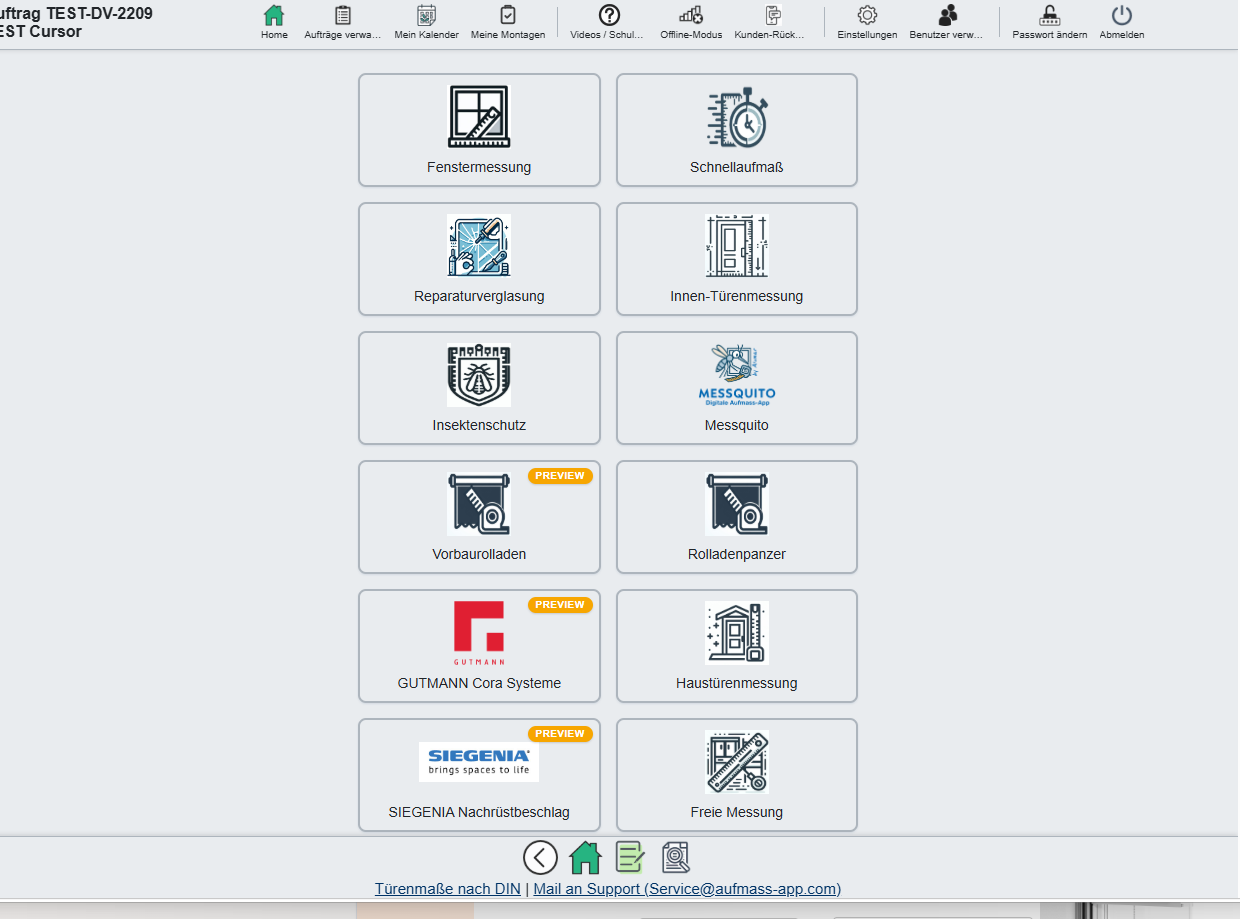
For trades that take measurements on site: window manufacturing, door manufacturing, carpentry and joinery, insect screens, roller shutter and sun protection companies, installation companies as well as industry and project business. Guided measurement types exist for windows, entrance doors, interior doors, insect screen systems and roller shutter curtains; everything else you capture as a free measurement. What that means in everyday work is described in the section Which trades the Aufmaß App is built for.
What do I do with components that have no guided measurement type?
That is what free measurements are for: your own measured values, photos with markings, sketches and notes – structured on the job so production has all the information. This is how external venetian blinds, prefabricated elements, special shapes and one-off pieces are documented; you define the system.
Is the Aufmaß App a complete trade software package?
No. The Aufmaß App covers measurement, installation planning, installation documentation and handover and hands the checked quantities over to your ERP – quotes, invoices and time recording are created there. Klaes, FenOffice NG (ProLogic), Cobus Adulo, MFR and Odoo are connected; for all other systems there are PDF, Excel and CSV.
Which measurement app is best for carpenters and joiners?
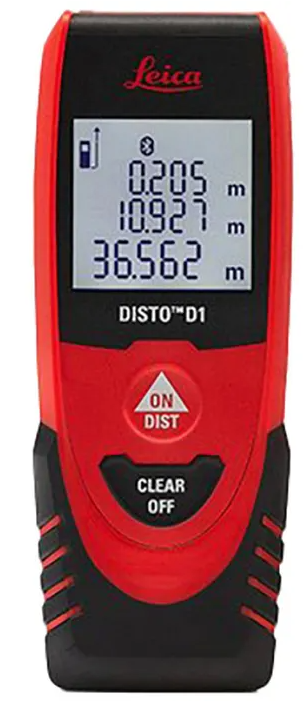
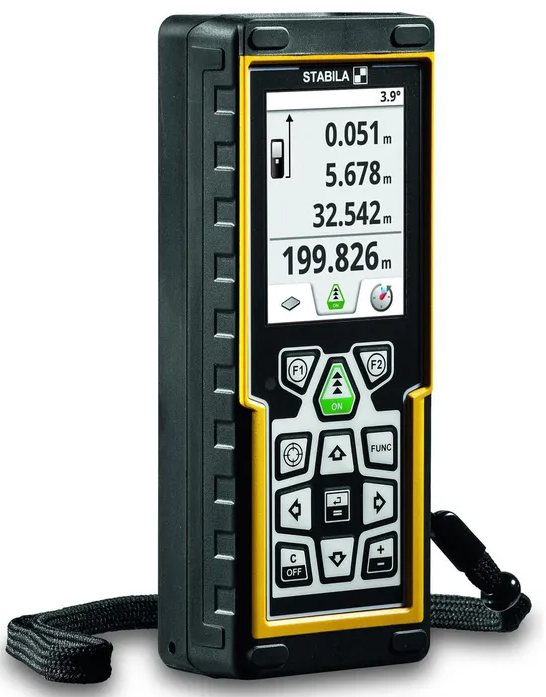
The Aufmaß App is built for the everyday workflow of carpenters and joiners: usable without training, with Bluetooth pairing to Leica Disto, STABILA LD and Würth WDM, one-tap PDF export and 25 free trial measurements with no contract and no credit card. It runs on iPad, Android tablet and Windows. See section Measurement App for Carpenters & Joiners.
Which measurement software for window manufacturing has a Klaes or FenOffice integration?
The Aufmaß App provides live integrations with Klaes, FenOffice NG (ProLogic) and Cobus Adulo, plus order synchronization with MFR and Odoo. Positions are transferred to ID4WIN via BISSID. This makes the Aufmaß App one of the most broadly integrated measurement solutions for the window manufacturing industry. See section Measurement Software for Window Manufacturing & Industry.
Is digital measurement worthwhile for small craft businesses?
Yes. Even in a one-person business, the Aufmaß App saves measurable time, prevents transcription and omission errors and fully replaces paper, pen and photo notes. The trial is free, without contract or credit card and can be cancelled at any time – a second on-site measurement is usually no longer necessary.
How much time does the Aufmaß App save in project business?
In window manufacturing and project business, up to 50 % of the effort from first measurement to finished quote can be saved. Reasons: guided capture, ERP handover without duplicate maintenance (Klaes, FenOffice NG, Cobus Adulo, MFR, Odoo) and the near-elimination of transcription errors – even with several hundred positions.
Is there a measurement app for doors?
Yes – with the **door measurement app** you can capture door openings including stops, thresholds and special dimensions.
Do you support insect screen measurement?
Yes, **insect screen measurement** is integrated – including system selection and photo documentation. Feel free to also test our app messquito.de for ALUMAR.
How does the export work?
Export as PDF/EXCEL as well as transfer to FenOffice NG (ProLogic). Klaes, Cobus Adulo, MFR and Odoo order synchronization, BISSID/ID4WIN position transfer available.
What is a measurement?
A window, a door, an insect screen, all of these are each 1 measurement. If you have a project with 20 windows, for example, you use up 20 measurements there. After the first 25 test measurements, there is no limitation, you can measure everything. We will contact you before anything is limited.
Which measuring devices (LDM, tape measure, Messfix) are supported?
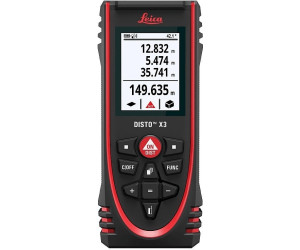
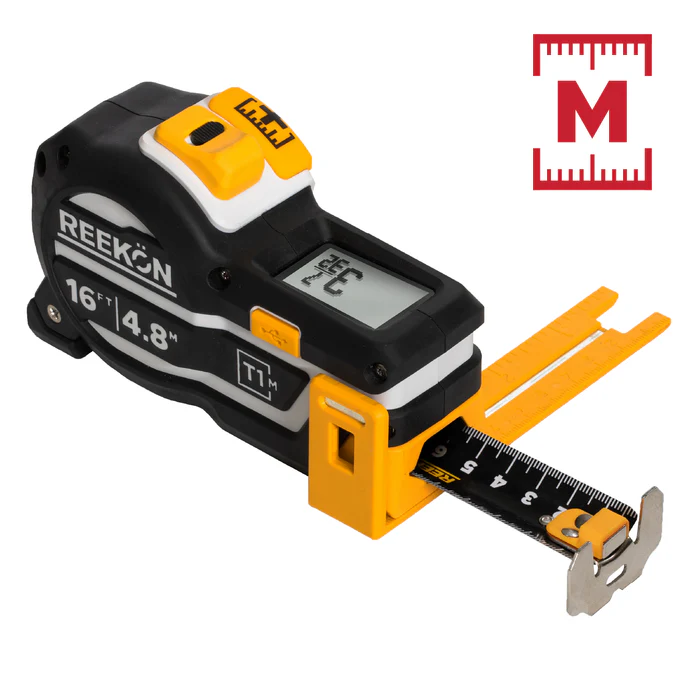
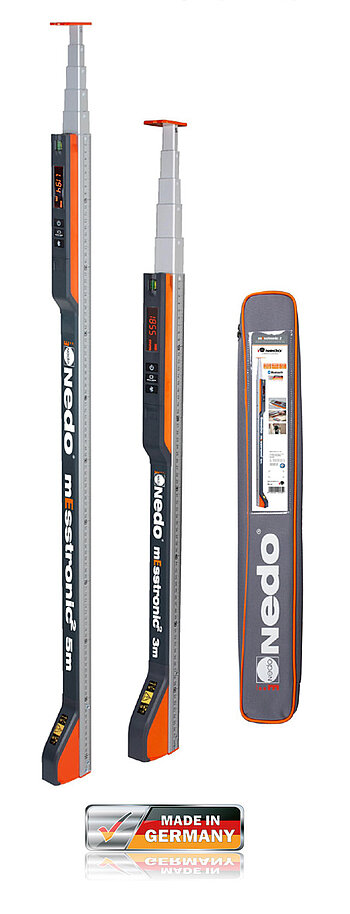
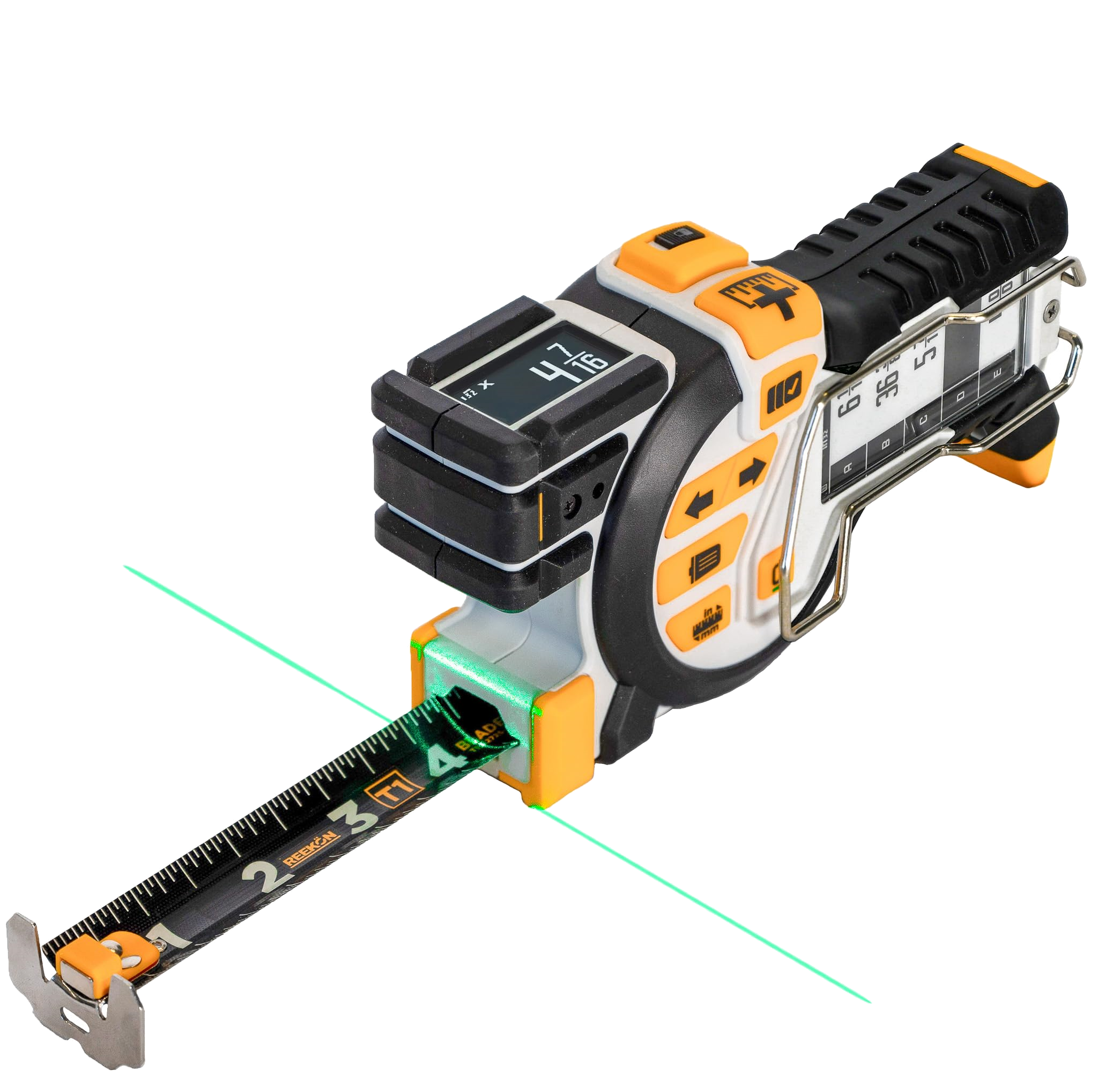
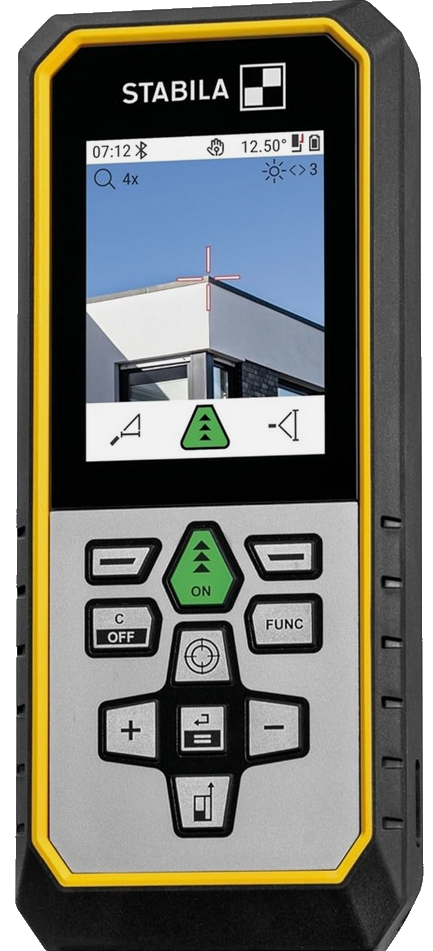
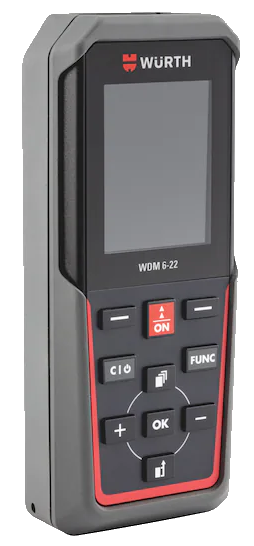
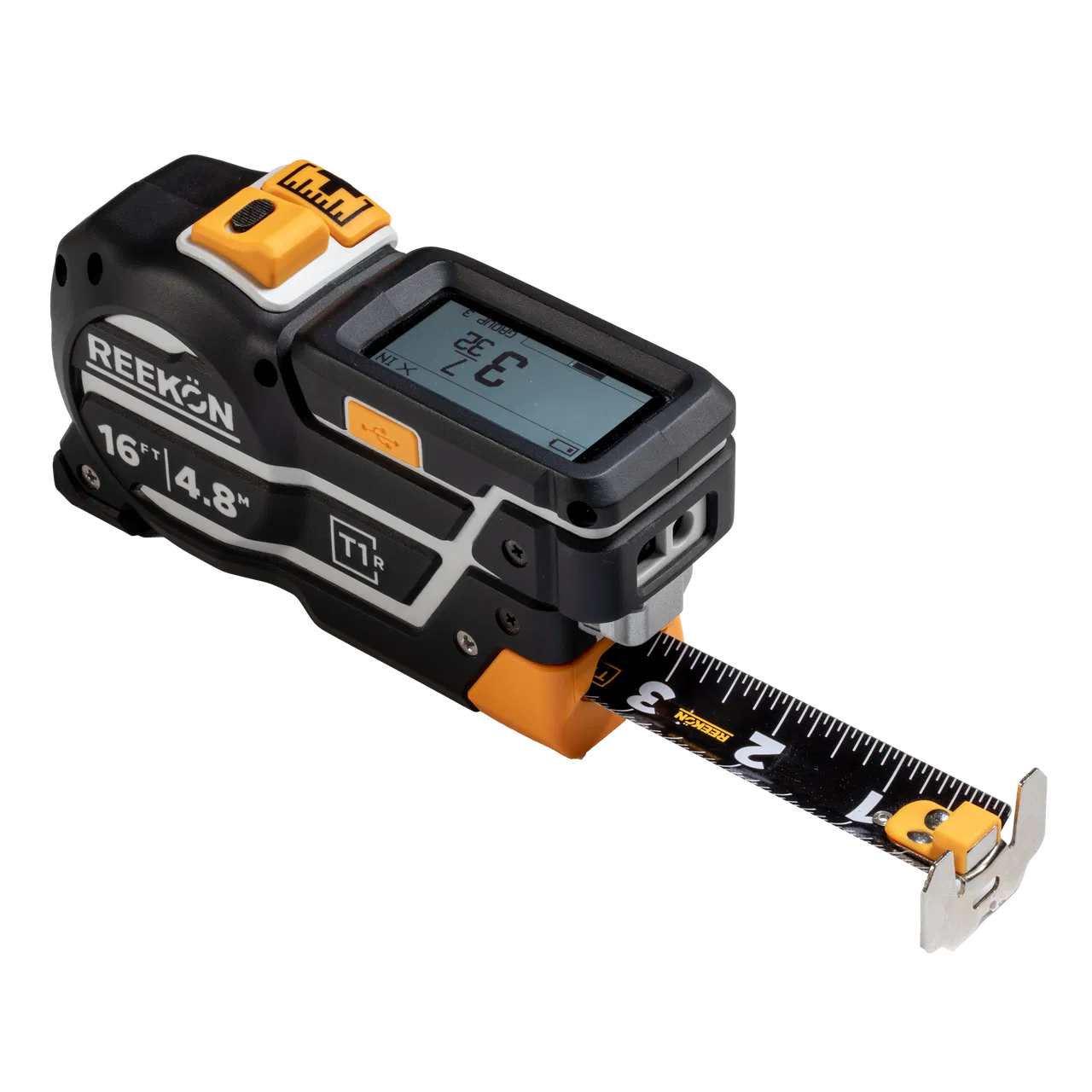
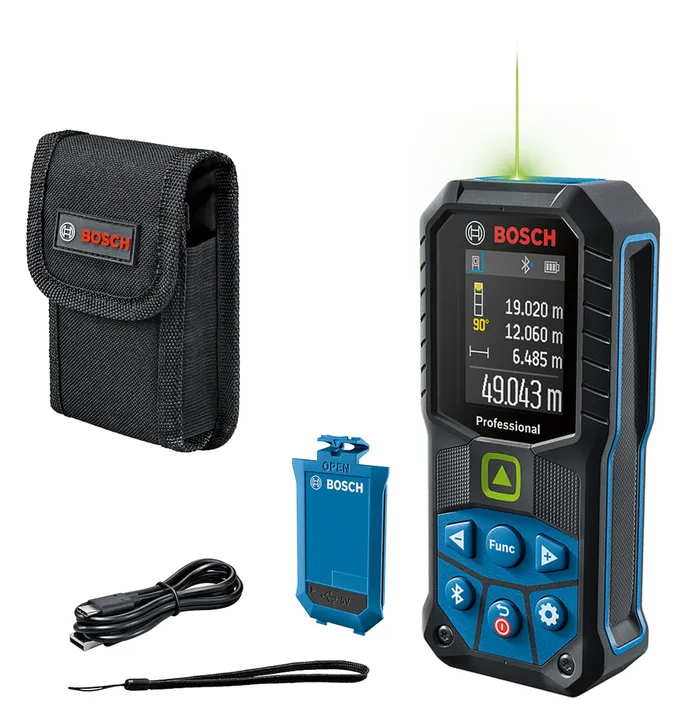
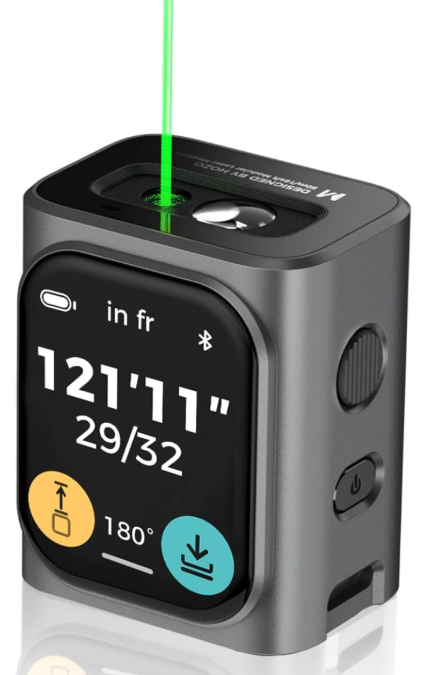
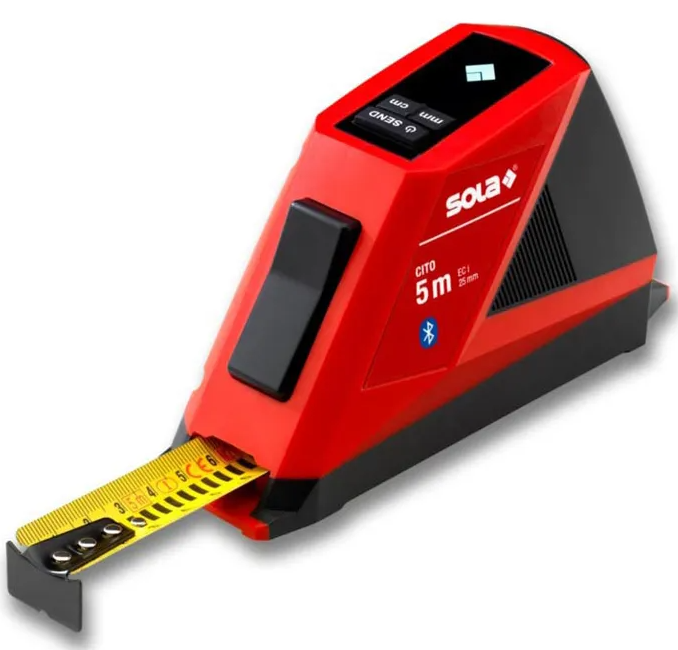
We recommend our professional devices: Leica Disto X3, STABILA LD 530 BT, Reekon devices and Nedo mEsstronic 2 – they run on all platforms (iOS, Android, Windows). Fully supported: Würth WDM 6-22, Leica Disto X3 (X2 on Windows), Reekon Tomahawk T1, Reekon T1R Range Hybrid, Reekon T1M Utility, Nedo mEsstronic 2 and STABILA LD 530 BT. Limited support (Windows/Android): Bosch GLM 50-27, M-Cube HOZO, all Leica and Stabila devices with Bluetooth; Windows only: SOLA Cito.
How does the process work from capture to handover?
Two ways to start: (1) measure on site first, then transfer to Klaes, ProLogic (FenOffice NG) or Cobus Adulo, or (2) start in the ERP and bring projects/positions into the app, completed on site. Capture data once – app and ERP stay in sync. Then: installation documentation, installation handover, reporting open work, confirmation of completion. Diagram and detail: Process.
How does digital installation planning with the Aufmaß App work?
You plan the installation on the same job on which the measurement was created: dates, responsibilities and open points hang on the job instead of in a separate spreadsheet. Through the role model, survey technicians, installers and office admins each see their own status, with status and media in real time – also with distributed teams and in 22 languages. Installers are included without limit and cost nothing extra. More in the section Digital installation planning.
How do I create a digital installation documentation?
The installers capture photos, evidence and specifics directly on the job site, and the office sees the same status. After that come installation handover, feedback on open work and confirmation of completion – all on the same job, without a second list in chats or spreadsheets. Voice notes are transcribed and summarised by the AI. More in the section Digital installation documentation.
Is there a free window measuring app?
Yes – the window measuring app can be used for free: the first 25 measurements are completely free, with no contract, no mandatory subscription, no credit card and no other obligation; you can stop at any time and there is no automatic billing after the trial without agreement. This makes it a fully functional free window measurement software with laser connection, photo documentation and PDF export included.
Can I measure windows digitally with the app?
Yes, the app is a complete window measuring program: measure windows via Bluetooth laser, document everything in a structured way and transfer data directly to your ERP. Works on iOS, Android and Windows.
Can I buy measuring devices individually without an Aufmaß App licence?
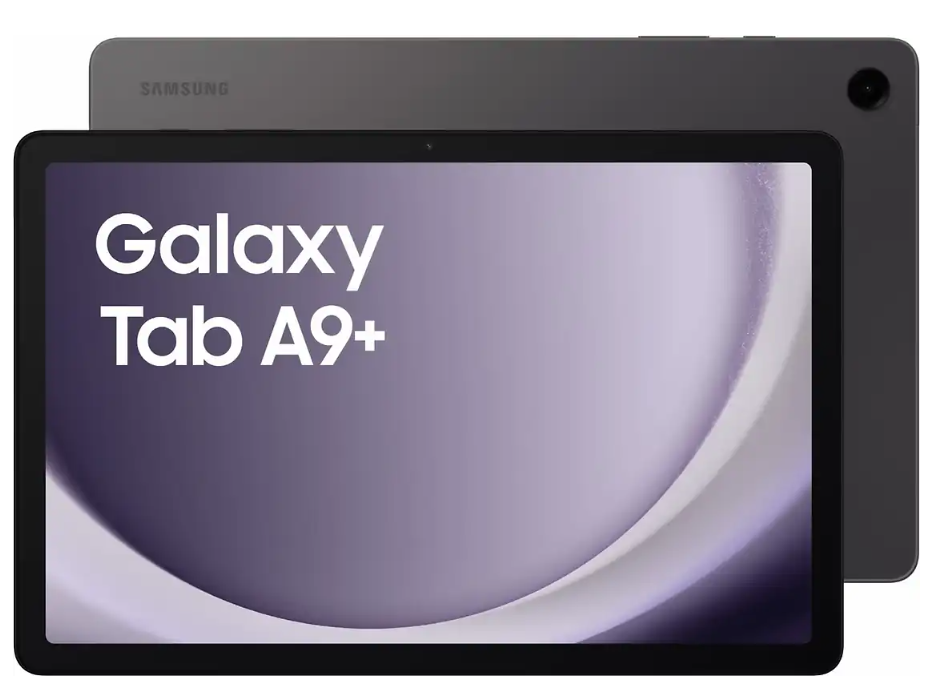
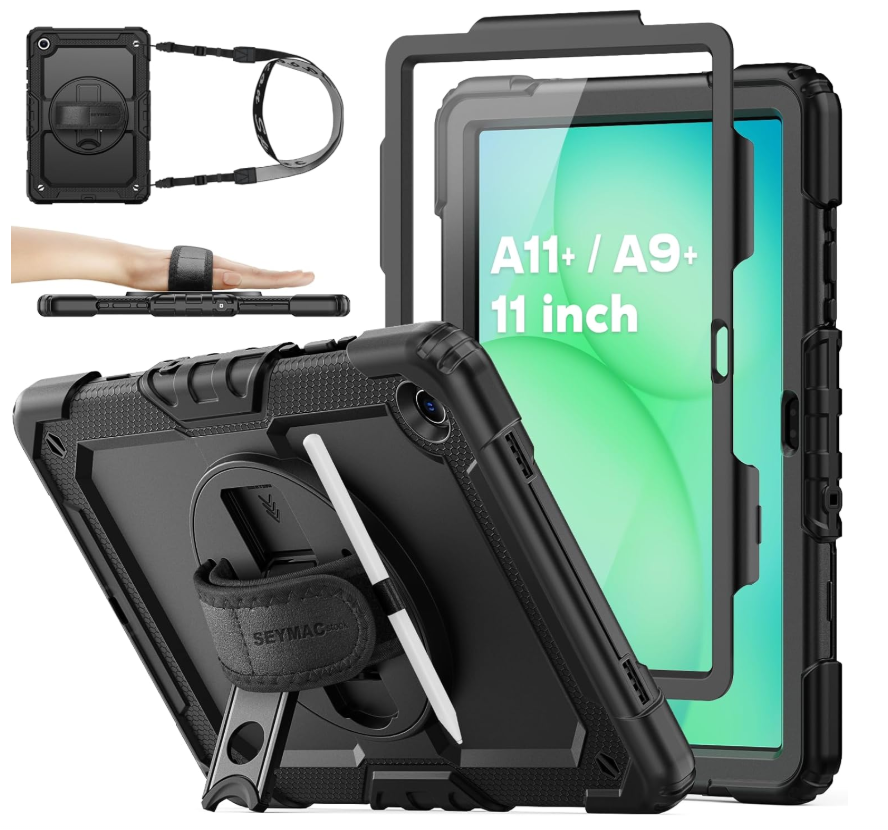
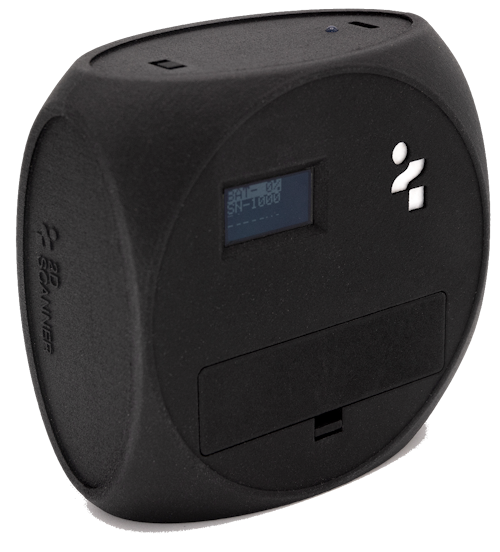
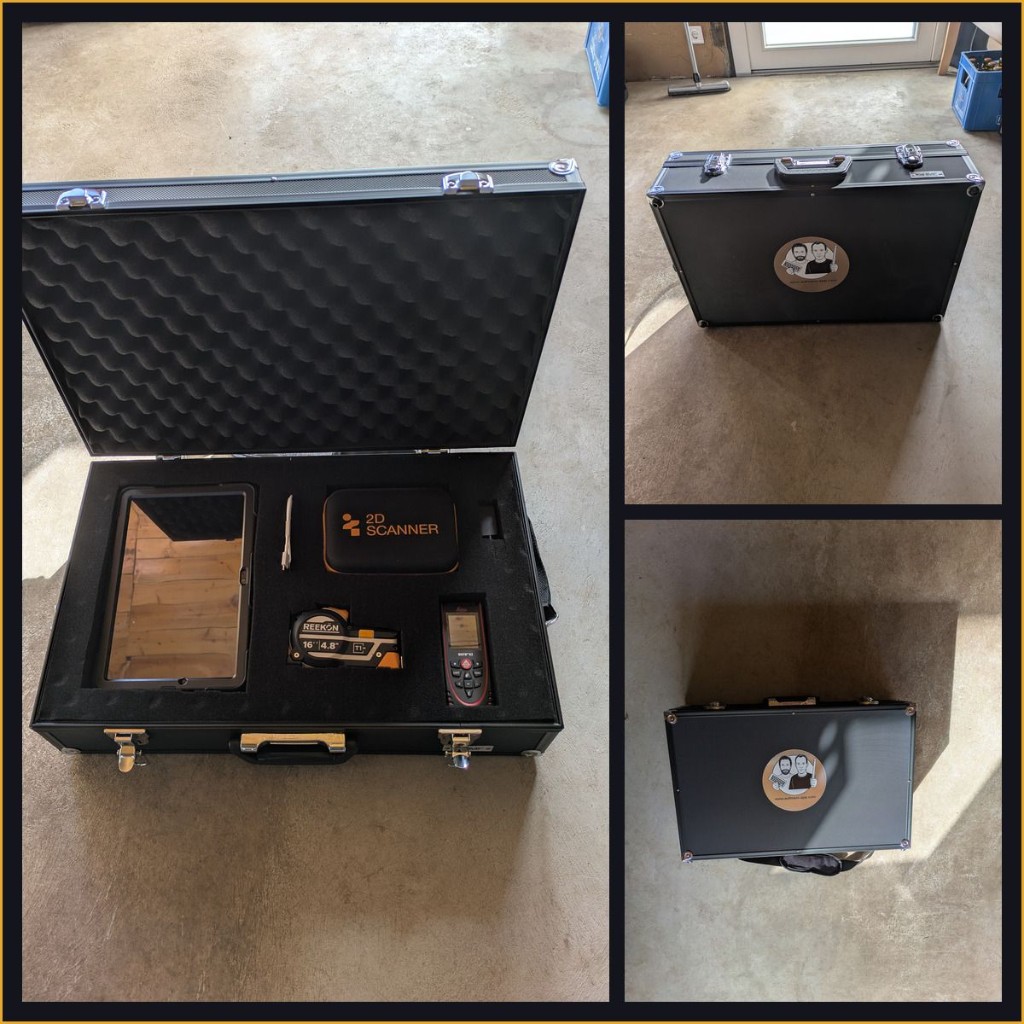
Yes. In the Hardware Only category you can buy devices individually without an app licence – one-time purchase, no running costs: 2DScanner EVO incl. tripod (€1,394), Leica Disto X3 (€299), Reekon T1M Utility (€115) and Samsung Galaxy Tab A11+ 5G incl. rugged outdoor case (€295), all prices net plus VAT and shipping. Ideal for existing customers. Order online, payment by invoice.
Can I buy the Aufmaß App as a complete package with hardware?
Yes. There are eight complete packages combining the Aufmaß App flat rate (1st year included) with hardware: Leica Disto X3, Reekon T1M Utility (digital tape measure), 2DScanner EVO incl. tripod and Samsung Galaxy Tab A11+ 5G incl. rugged outdoor case. Prices from €715 to €2,703 net in the first year; from year 2 only the annual Aufmaß App fee of €600 net applies – the hardware is yours. In addition you can order the same devices individually without an app licence (order items 9–12): 2D scanner incl. tripod €1,394, Leica Disto X3 €299, Reekon T1M Utility €115, Samsung tablet incl. outdoor case €295 – net, one-time) under Hardware Only – ideal for existing customers. Order online, payment by invoice – no prepayment, no credit card. See all Complete Packages.